
River Hills Realty, Inc
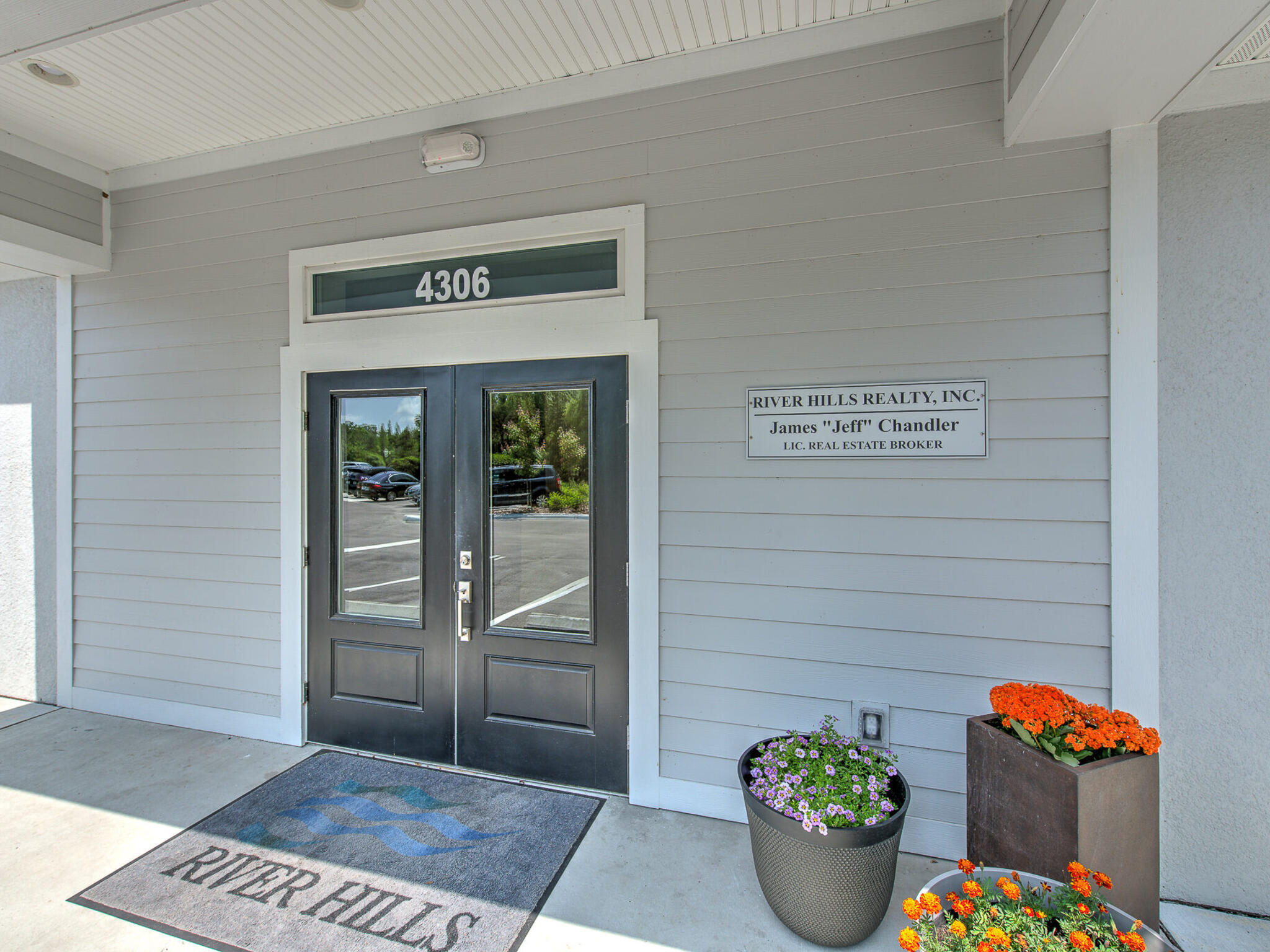
4306 New River Hills Pkwy Valrico, FL 33596
Phone: (813) 681-3555
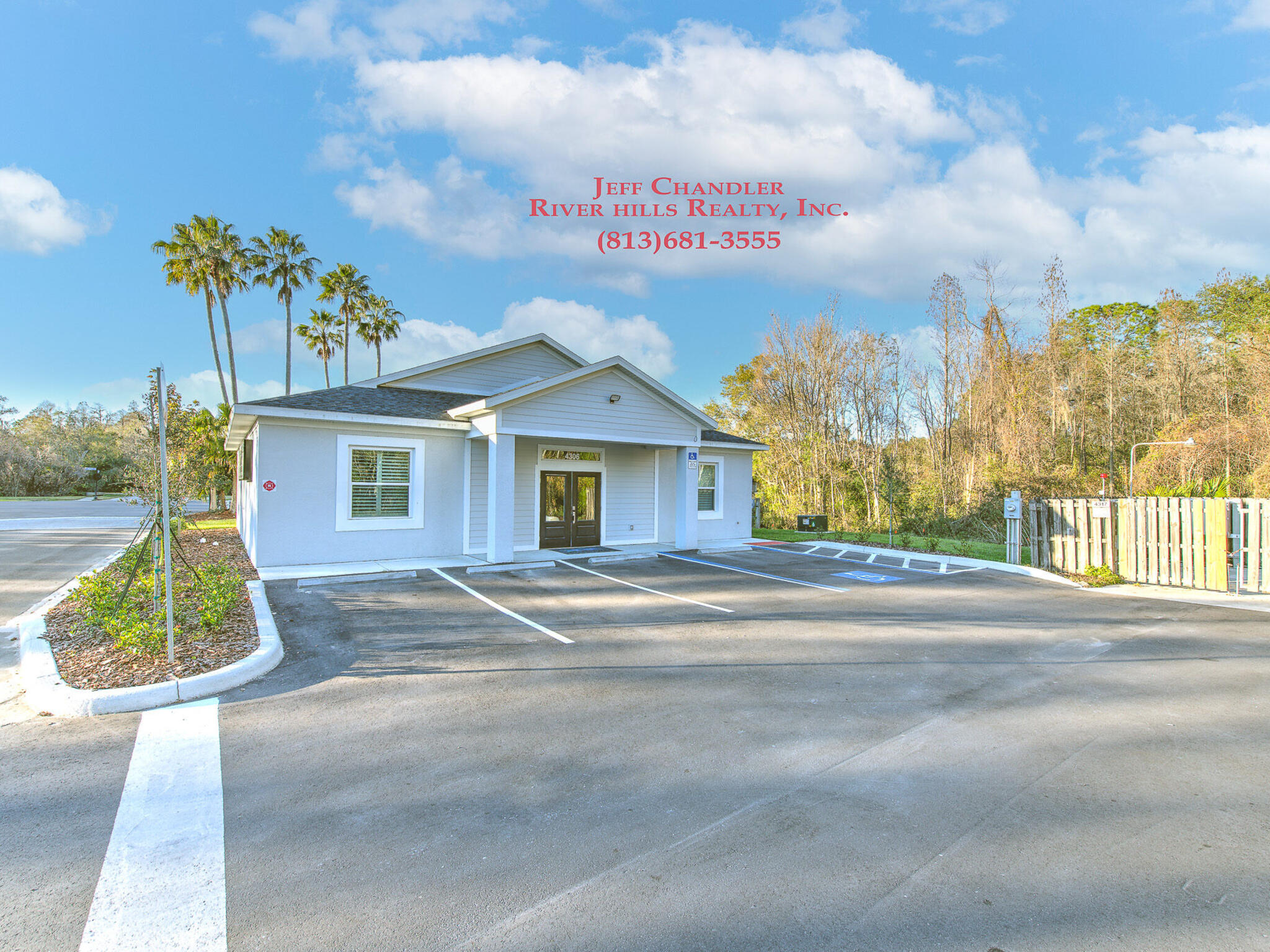
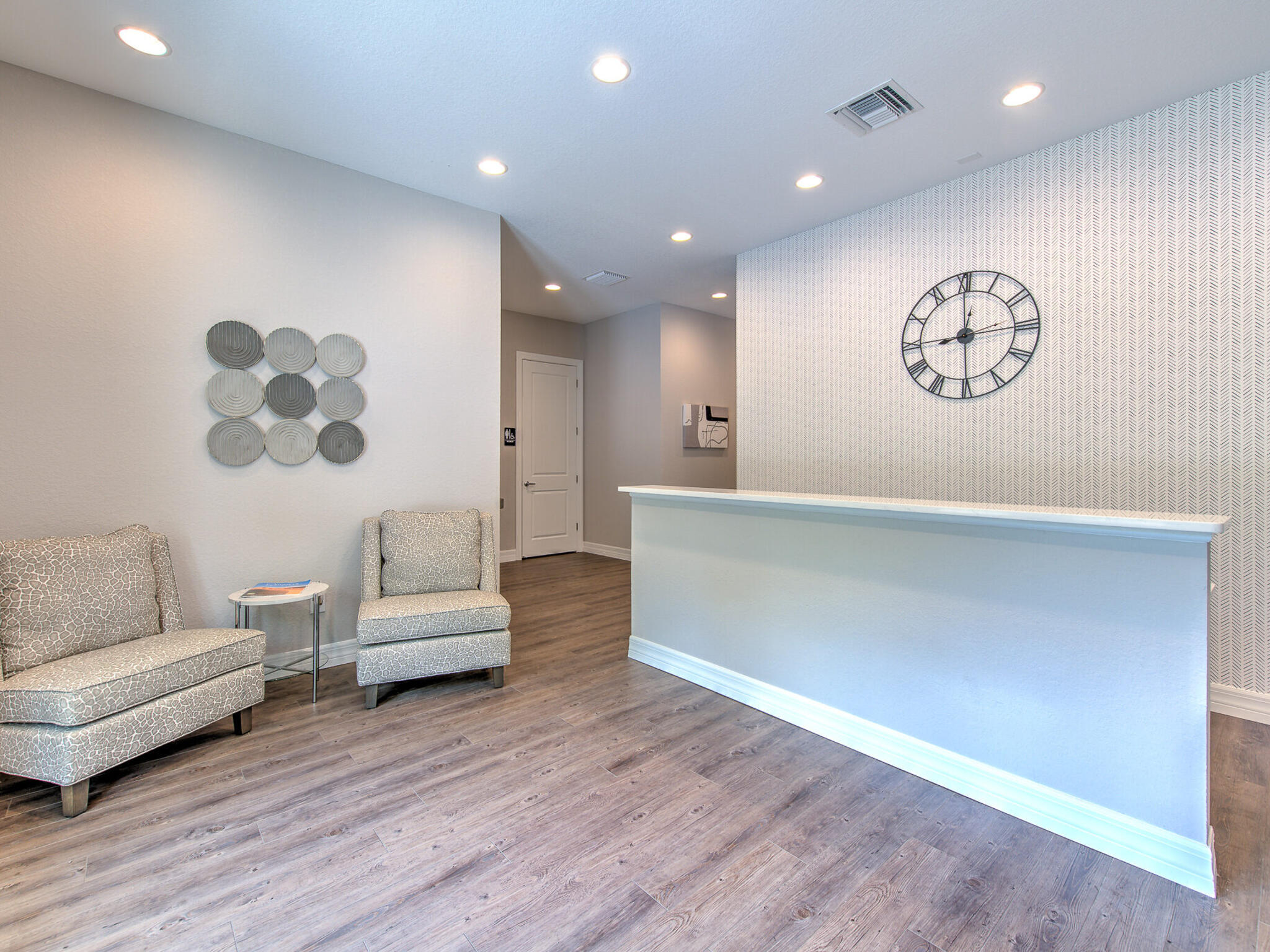
 River Hills Realty is a full service real estate company serving the greater Tampa Bay area, including the beaches. We are Located at the front gate of River Hills Golf and Country Club. Our company goal is to make your home selling or buying a truly wonderful experience.
River Hills Golf Country Club was developed by Arvida, an award-winning national developer who specializes in golf course gated communities. Arvida is known for such renowned Florida communities as Boca West, Weston, Sawgrass and The Long Boat Key Club. All of Arvida’s communities are known for pristine common areas, beautiful golf courses, and a host of other amenities.
Search Properties
Contact Us
River Hills is a very affordable community with great schools, shopping and restaurants. Home prices range from high $100,000’s to over $900,000, there are no CDD fees!
Please give us a call to set up a tour of the community and clubhouse. We live and work in River Hills and are available 7 days a week. We deliver a specialized personal service and work hard to satisfy your specific housing goals.
Come and experience River Hills… The only thing you can’t afford is to miss it!!
 The River Hills Golf Community is located east of Tampa, only an hour’s drive from many gulf beaches and the number one tourist attraction in the world: Disney World!
The only gated and secure (24-7) golf community in the area.
River Hills Realty, Inc
4306 New River Hills Pkwy Valrico, FL 33596Phone: (813) 681-3555
